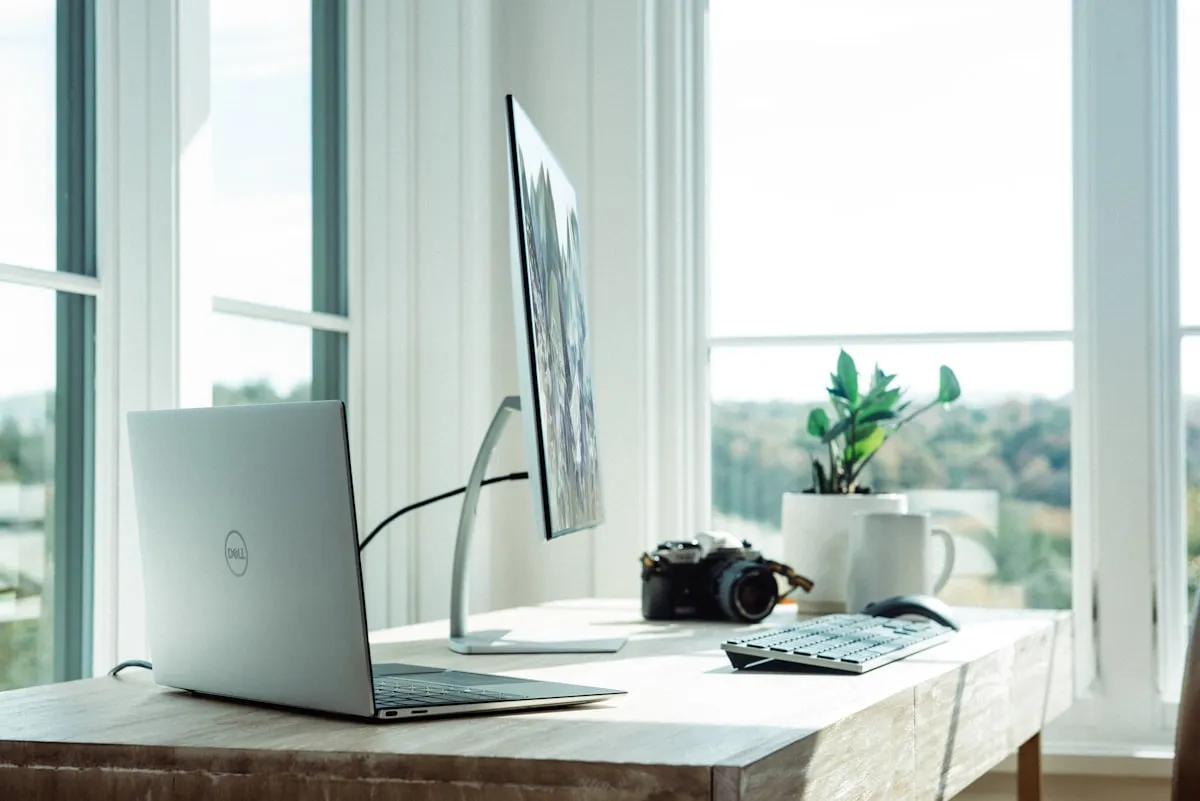
Your home office floor is the most-seen flooring in your house. Think about it: every Zoom call, every Teams meeting, every client video chat shows your floor in the background. And yet most people spend more time choosing their desk chair than their office flooring.
If you’re working from home in Utah (and plenty of us are), your office flooring needs to do more than look good on camera. It needs to handle rolling chairs without denting, stay quiet during calls, and feel comfortable during those eight-hour days. Let’s break down what actually works.
Why Home Office Flooring Is Different
A home office isn’t a bedroom. It’s not a living room. It has its own specific demands, and most flooring guides skip right over them.
Rolling chair traffic. This is the big one. Office chairs with casters put intense, concentrated pressure on flooring. They roll back and forth in the same spots hundreds of times per day. Soft floors like carpet show wear patterns within months. Even some hard floors can dent.
All-day standing and sitting. You’re not passing through this room. You’re planted here for hours. Flooring that’s too hard (tile, concrete) causes leg fatigue. Flooring that’s too soft (plush carpet) makes your chair hard to move.
Video call appearance. Your floor shows up on camera more than you realize. Stained carpet, scuffed laminate, or mismatched flooring reads as unprofessional, even if your home is otherwise well-kept.
Noise control. Hard floors can echo during calls. Carpet muffles sound but creates its own problems. The right flooring strikes a balance.
The Best Home Office Flooring Options, Ranked
Laminate (waterproof laminate): The Clear Winner
Waterproof laminate with a rigid SPC core is the best home office flooring for most people. It handles rolling chairs without denting, looks professional on camera, and stays quiet enough for calls.
Here’s why laminate dominates this category:
- Chair-resistant surface. Quality laminate has a wear layer (look for 20 mil or higher) that resists scratches and indentations from chair casters. No chair mat needed in most cases.
- Looks like hardwood on camera. Modern laminate looks remarkably like real wood. On a Zoom call, nobody can tell the difference.
- Comfortable underfoot. laminate with attached padding provides enough cushion for all-day standing without being so soft that your chair sinks.
- Easy to clean. Dust, coffee spills, and snack crumbs (we’ve all eaten lunch at our desks) wipe up fast.
- Quiet. The rigid core plus underlayment absorbs sound rather than bouncing it around the room.
Installed cost: $5 to $9 per square foot in the Salt Lake City area, including materials and professional installation.
Engineered Hardwood: Premium Look, Higher Maintenance
Engineered hardwood gives you that warm, natural wood aesthetic that looks incredible on video calls. It’s a step up in appearance from laminate, but it comes with trade-offs for office use.
The good:
- Real wood grain that photographs beautifully
- Classic, professional appearance
- Can be refinished if damaged (depending on veneer thickness)
- Adds legitimate value to your home
The concerns:
- More prone to denting from chair casters than laminate
- Requires a chair mat to protect the surface
- Scratches show more easily, especially in lighter finishes
- Higher price point for similar visual impact
Installed cost: $8 to $14 per square foot depending on species and finish.
If you go with hardwood, use a high-quality chair mat. The cheap ones slide around and look terrible on camera. Invest in a clear, rigid mat that stays put.
Laminate: Budget-Friendly With Caveats
Laminate flooring offers a wood look at a lower price than laminate or hardwood. For a home office, it works, but you need to choose carefully.
The good:
- Most affordable wood-look option
- Hard surface handles chairs reasonably well
- Easy to clean
The concerns:
- Lower-quality laminate shows wear faster
- Can sound hollow or clicky during calls
- Not as durable as laminate under repeated chair traffic
- Water resistance varies widely by product
If you go laminate, choose an AC4 or AC5 rated product. AC ratings measure durability. AC4 handles heavy residential traffic. AC5 is commercial-grade. Lower ratings (AC1-AC3) will wear out under office chair traffic.
Installed cost: $4 to $7 per square foot.
Carpet: Only If You Must
Carpet in a home office is a pain. I’ll be direct about this. It shows rolling chair tracks, collects dust that aggravates allergies, and makes your chair harder to move.
When carpet makes sense:
- You’re renting and carpet is already there
- Your office doubles as a guest bedroom (where soft flooring matters for sleeping)
- You never use a rolling chair (standing desk, non-wheeled chair)
- Sound absorption is your top priority (podcasters, musicians)
If you’re stuck with carpet:
- Get a hard plastic chair mat (the ones with the spiky bottoms for carpet)
- Choose a low-pile, commercial-grade carpet if you’re installing new
- Vacuum frequently to prevent visible traffic patterns
- Accept that it will show wear faster than hard flooring
Tile and Concrete: Hard Pass
Tile and polished concrete look industrial-chic, but they’re terrible for home offices.
- Too hard for all-day standing (leg fatigue is real)
- Cold in Utah winters
- Echoes badly during video calls
- Uncomfortable to drop anything on (goodbye, phone screen)
Skip these unless your home office is part of a larger open-plan space where tile makes sense for other reasons.
What About Chair Mats?
Chair mats are a workaround, not a solution. They protect your floor but they also:
- Shift around during use (annoying)
- Show up on video calls (looks cheap)
- Collect dust and crumbs along the edges
- Crack and need replacement every few years
- Add cost over time
If your flooring can handle a rolling chair without a mat, skip the mat. Quality laminate and some AC5 laminates handle chairs fine. Hardwood and lower-grade laminate need mats.
The Zoom Background Factor
Let’s talk about what your floor looks like on camera.
Most webcams sit at desk height, pointing slightly downward. This means your floor shows up behind your chair, usually in the lower third of the frame. It’s background, but it’s visible background.
Floors that look professional on camera:
- Light to medium wood tones (laminate, engineered hardwood, laminate)
- Consistent plank patterns
- Clean, uncluttered appearance
- Neutral colors that don’t distract
Floors that look less professional:
- Stained or worn carpet
- Dramatic or busy patterns
- Very dark floors (can look like a hole)
- Visible damage, scuffs, or transitions
The sweet spot for video calls is a medium-toned wood look with subtle grain variation. Light enough to reflect some camera light, not so dark that it disappears into shadow.
Room-Specific Considerations for Utah Homes
Utah homes have some specific quirks that affect home office flooring choices.
Basement offices. Many Utah home offices are in finished basements. Basements need waterproof flooring (laminate, not hardwood) and moisture-resistant underlayment. Skip laminate in below-grade spaces.
Bonus rooms over garages. These rooms run hot in summer and cold in winter. Laminate handles temperature swings better than hardwood, which can expand and contract.
South-facing rooms. Utah’s intense sunlight can fade some flooring over time. Look for UV-resistant finishes if your office gets direct afternoon sun.
My Recommendation
For most Utah home offices: go with laminate. Specifically, look for:
- SPC (stone polymer composite) or WPC (wood polymer composite) core
- 20 mil or higher wear layer
- Attached underlayment (or add quality underlayment)
- Medium wood tone in the oak or walnut family
- Plank width of 6 to 8 inches
This combination handles rolling chairs, looks great on video, feels comfortable all day, and fits most budgets. It’s the no-regret choice.
If budget allows and you want the premium feel: engineered hardwood with a good chair mat. Use a clear, rigid mat and accept the maintenance trade-off.
If you’re budget-conscious: AC5-rated laminate can work, but stick to reputable brands and expect to replace it sooner than laminate.
How to Choose: Quick Decision Guide
| Your Situation | Best Choice | Why |
|---|---|---|
| Standard home office, rolling chair | laminate (SPC core) | Handles chairs, looks professional |
| Premium look is priority | Engineered hardwood + mat | Real wood aesthetic |
| Tight budget | AC5 laminate | Affordable, decent durability |
| Basement office | laminate (waterproof) | Moisture protection critical |
| Podcast studio or music room | Carpet or laminate with area rug | Sound absorption matters |
What to Do Next
The best way to choose home office flooring is to see your options in your actual space. That’s the whole point of what we do at Plank & Go. We bring flooring samples directly to your home so you can see exactly how each option looks in your office’s lighting, against your walls, and with your furniture.
You’ll know immediately which floor looks best on your webcam. No guessing in a showroom under fluorescent lights.
Ready to See Home Office Flooring in Your Space?
We’ll bring samples to your home so you can compare options in your actual office. See what looks best on camera, test how your chair rolls, and make a decision you won’t second-guess.